
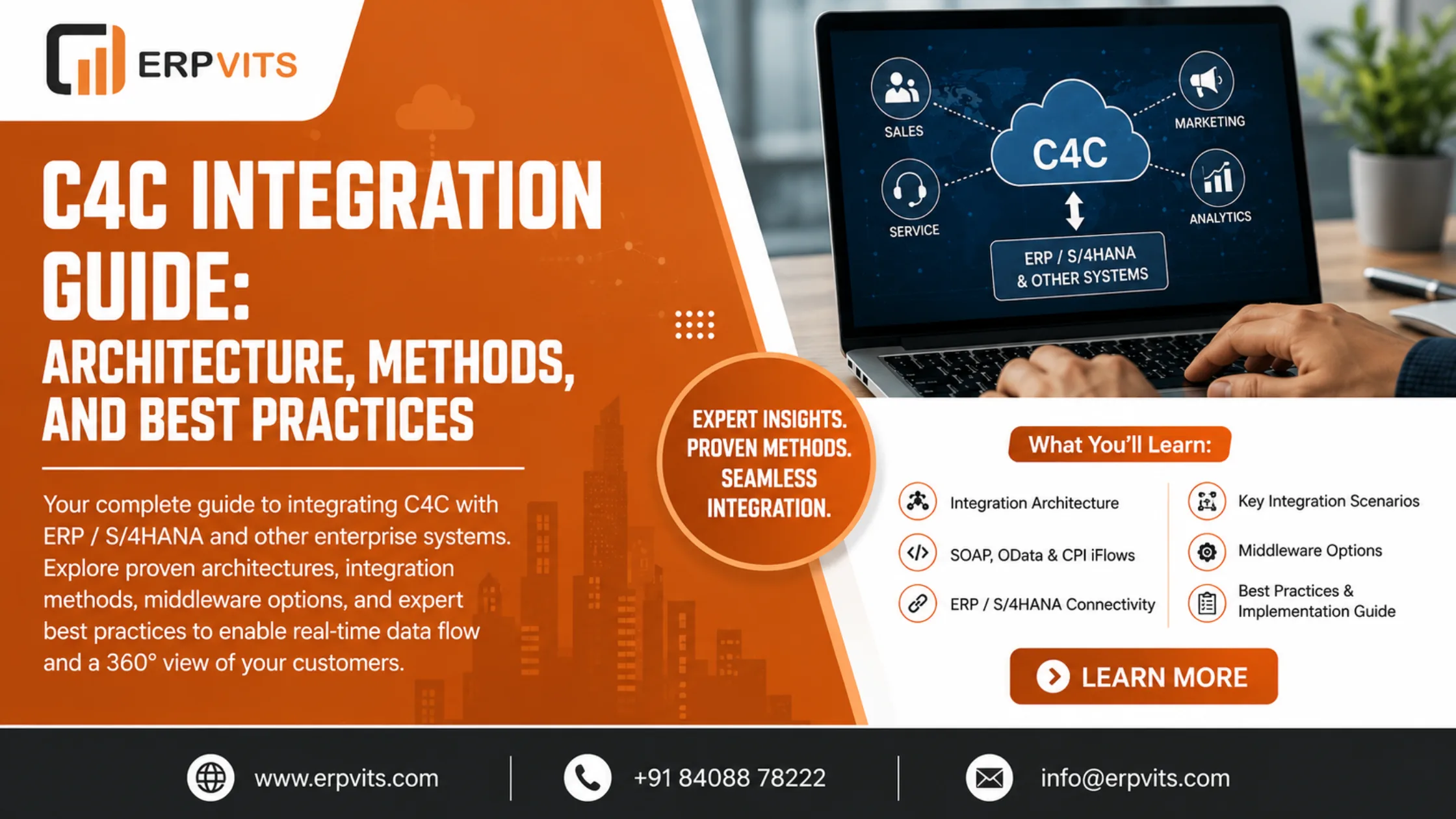
SAP C4C Integration Guide: Architecture, Methods, and Best Practices
In today's highly connected enterprise environment, the customer-facing functions cannot operate in isolation. SAP Cloud for Customer (SAP C4C) — the cloud-based CRM suite by SAP — was designed to handle sales, service, marketing, and service interactions. However, its true potential is only realized when it is connected to back-end systems such as SAP ERP (ECC), SAP S/4HANA, SAP CRM, and other third-party platforms.
This is the point at which SAP C4C integration becomes essential to the mission.
An intelligently designed SAP C4C integration enables:
- Real-time monitoring of customer orders, billing, and delivery status in the CRM of sales personnel
- Automatic transfer of contacts, accounts, and pricing from ERP to C4C
- Bi-directional flow of data for leads, opportunities, and service tickets
- Elimination of duplicate data entries across different systems
- A unified 360-degree view of the customer throughout the entire enterprise
The SAP C4C Integration Guide provided by ERPVITS covers everything you need to know — from integration architecture and available methods to common scenarios, middleware options, and best practices for implementation.
What Is SAP C4C?
Before getting into the details of integration, a quick overview: SAP C4C (Cloud for Customer) is SAP's cloud CRM solution that is part of the SAP Sales Cloud and SAP Service Cloud portfolio. It's available as a SaaS product hosted on SAP's cloud infrastructure and is designed to integrate with SAP's primary ERP systems.
The most important modules within SAP C4C include:
- SAP Sales Cloud — lead and opportunity management, accounts management, and sales forecasting
- SAP Service Cloud — management of tickets, field service, and customer service operations
- SAP Marketing Cloud — campaign management and segmentation of customers (a separate product, usually coupled alongside C4C)
Since C4C is hosted in the cloud while the majority of enterprise data (customer master, pricing, orders, finance) resides in on-premise SAP systems, integration is not an option — it is essential.
SAP C4C Integration Architecture: The Big Picture
Understanding the SAP C4C integration architecture is the very first step in creating an effective project.
Two Primary Deployment Models:
1. Direct Integration (Point-to-Point)
SAP C4C offers built-in, ready-to-use integration with SAP ERP (ECC) and SAP S/4HANA through standard SOAP-based web services and iFlows. This is ideal for companies that use standard SAP back-end systems without excessive customization.
- Communication Channel: SOAP / HTTPS
- Protocol: Web Services (WSDL-based)
- Use Case: Standard business objects (Accounts, Contacts, Products, Orders)
- Pros: Faster to deploy, lower cost, minimal middleware
- Cons: Limited flexibility for non-standard scenarios
2. Middleware-Based Integration
For complex landscapes involving several systems, custom objects, or real-time event-driven integration, a middleware platform is used as the integration hub.
Supported middleware options include:
- SAP Integration Suite (formerly SAP CPI — Cloud Platform Integration) — SAP's middleware of choice; pre-built iFlows are available for C4C-ERP integration
- SAP Process Orchestration (SAP PO / PI) — on-premise middleware for ECC-era landscapes
- Dell Boomi, MuleSoft, Informatica — third-party iPaaS platforms for heterogeneous landscapes
SAP C4C Integration Methods
The SAP C4C Integration Guide would be incomplete without understanding the available integration methods and when to use each.
1. SOAP Web Services
SAP C4C exposes a rich collection of SOAP-based web services for both inbound (data flowing into C4C) as well as outbound (data flowing out of C4C) processes.
- Inbound Services: Used to push data from ERP/S4HANA into C4C (e.g., replication of customer master, products, pricing)
- Outbound Services: Used to transfer data from C4C into ERP (e.g., sales orders created in C4C are sent to ERP for fulfillment)
Configuration in C4C is performed via Communication Systems, Communication Arrangements, and Communication Scenarios under the Administrator settings.
2. OData APIs
SAP C4C supports OData (Open Data Protocol) RESTful APIs for lightweight integration, particularly with mobile apps, portals, and non-SAP systems.
- Ideal for: Custom applications, web portals, reporting tools
- Format: JSON or XML
- Authentication: Basic Auth or OAuth 2.0
3. SAP Integration Suite (CPI) iFlows
For enterprise-grade integration, SAP Integration Suite (Cloud Platform Integration) offers pre-built integration content for SAP C4C:
- Available on SAP Business Accelerator Hub (api.sap.com)
- Covers standard scenarios: Account replication, Product replication, Sales Order integration, Service Ticket integration
- Supports message transformation, routing, error handling, and monitoring all in one platform
- Recommended by SAP for S/4HANA and C4C landscapes
4. File-Based Integration (IDoc / CSV)
For batch scenarios or legacy system connectivity:
- IDoc-based: SAP ERP sends IDocs via SAP PI/PO, which transforms and forwards them to C4C
- CSV file upload: Used for initial data loads (bulk replication of customers or products at go-live)
5. SAP CRM Middleware (for SAP CRM Integration)
Companies migrating from SAP CRM (on-premise) to C4C are able to leverage SAP CRM Middleware for coexistence scenarios where both systems operate simultaneously during the transition.
Key SAP C4C Integration Scenarios
Below are the most commonly used and business-critical SAP C4C integration scenarios implemented across enterprises:
Scenario 1: Account and Contact Replication (ERP → C4C)
Purpose: Make sure that the sales team in C4C always has accurate, up-to-date customer master data from SAP ERP.
Flow:
SAP ERP / S4HANA (BP Master)
        ↓ [SOAP Web Service / CPI iFlow]
SAP C4C (Account / Contact)
- Key Objects: Business Partner (BP) in ERP → Account and Contact in C4C
- Trigger: BP creation or change in ERP triggers automatic replication
- Frequency: Real-time (event-driven)
Scenario 2: Product and Pricing Replication (ERP → C4C)
Purpose: Sales reps in C4C require accurate product catalogs and customer-specific pricing for quotations and orders.
Flow:
SAP ERP (Material Master + Condition Records)
        ↓
SAP C4C (Products + Price Lists)
- Key Objects: Material Master → C4C Products; Pricing Conditions → C4C Price Lists
- Frequency: Scheduled batch replication or event-triggered on material or price changes
Scenario 3: Sales Order Integration (C4C → ERP)
Purpose: When a sales rep creates or confirms a sales quote or order in C4C, the system automatically creates a Sales Order in SAP ERP/SD for fulfillment, delivery, and billing.
Flow:
C4C (Sales Quote / Order)
        ↓ [Outbound Web Service]
SAP ERP (Sales Order — VA01)
        ↓
Delivery → Billing → FI Posting
- Key Benefit: Eliminates double entry and ensures that order fulfillment begins immediately after CRM confirmation
- SAP Standard: Uses the Sales Order Replication integration scenario available in SAP Integration Suite
Scenario 4: Order Status and Delivery Feedback (ERP → C4C)
Purpose: Sales reps require real-time visibility into order status, delivery dates, and billing from within C4C — without having to log into SAP ERP.
Flow:
SAP ERP (Sales Order Status / Delivery / Invoice)
        ↓ [Scheduled or Event-Based]
C4C (External Follow-Up Documents visible within the C4C Sales Order)
Scenario 5: Service Ticket and Installed Base (C4C ↔ ERP/PM)
Purpose: For service-oriented businesses, customer service tickets raised within SAP Service Cloud (C4C) need to create service notifications or orders in SAP PM (Plant Maintenance) or CS (Customer Service).
Flow:
C4C Service Ticket
        ↓
SAP ERP — PM Notification / Service Order
        ↓
Confirmation + Cost Feedback → C4C
Expert Guidance
Learn from industry experts
Trusted & Recognized
Top-rated by learners
Flexible Learning
Online options
Placement Support
Career support & more
SAP C4C Integration with SAP S/4HANA: What's Different?
As organizations transition from SAP ECC to SAP S/4HANA, the C4C integration landscape is evolving:
| Aspect | SAP ECC + C4C | SAP S/4HANA + C4C |
|---|---|---|
| Middleware | SAP PI/PO or CPI | SAP Integration Suite (CPI) — preferred |
| Customer Master | Customer Master (KNA1) | Business Partner (BP) — mandatory |
| Communication | SOAP / IDoc | SOAP + OData (APIs) |
| Pre-built Content | Limited SAP standard content | Rich iFlow library on SAP Business Accelerator Hub |
| Architecture | Often point-to-point | API-first, event-driven possible |
The most significant change in S/4HANA and C4C integration is the shift to Business Partner (BP) as the single master object, and the use of SAP Integration Suite as the primary integration backbone — replacing the older PI/PO-based approaches.
SAP Integration Suite: The Recommended Platform for C4C Integration
SAP officially endorses SAP Integration Suite (Cloud Integration / CPI) as the integration platform for SAP C4C in modern landscapes.
Why SAP Integration Suite for C4C?
- Pre-built iFlows: SAP provides ready-to-use integration flows for all standard C4C-ERP scenarios on SAP Business Accelerator Hub, significantly reducing development effort
- Centralised Monitoring: All messages, errors, and reprocessing are managed in a single dashboard
- Cloud-Native: Fully managed SaaS with no infrastructure to maintain
- Security: OAuth 2.0, certificate-based authentication, encrypted payloads
- Extensibility: Custom iFlows can be built for non-standard scenarios using Groovy scripts and message mapping
Key CPI / Integration Suite Artefacts for C4C:
- iFlow (Integration Flow): The core processing unit that defines message routing, transformation, and endpoint connectivity
- Communication Channel: Configurable adapter (SOAP, OData, SFTP, IDoc, REST) for source and target systems
- Value Mapping: Maps ERP codes to C4C codes (e.g., ERP Customer Group → C4C Account Classification)
- Message Mapping / XSLT: Transforms XML structures between ERP and C4C formats
Step-by-Step: Setting Up SAP C4C Integration (High-Level)
Here is a simplified implementation roadmap for SAP C4C integration:
Phase 1: Landscape Assessment
- Identify source and target systems (ERP version, existing middleware, cloud subscriptions)
- Document integration scenarios and business requirements
- Define data ownership and master data governance rules
Phase 2: Communication Setup in C4C
- Create a Communication System (representing the ERP or middleware endpoint)
- Create a Communication Arrangement (binding a communication scenario to the system)
- Configure Business Configuration settings for replication (SPRO equivalent in C4C)
Phase 3: ERP / Middleware Configuration
- For direct integration: Configure RFC/HTTP connections and port definitions in SAP ERP
- For CPI: Deploy pre-built iFlows from SAP Business Accelerator Hub; configure endpoints, credentials, and value mappings
Phase 4: Initial Data Load
- Perform bulk data replication for existing customers, products, and pricing via CSV upload or batch iFlows
- Validate data quality and field mappings
Phase 5: Testing
- Unit testing: Test each integration scenario individually
- Integration testing: End-to-end flow from ERP change to C4C update (and vice versa)
- Error handling: Simulate failure scenarios and verify retry and alerting behaviour
Phase 6: Go-Live and Monitoring
- Enable real-time replication channels
- Set up monitoring dashboards and alerting in SAP Integration Suite
- Document a runbook for the operations team
Common SAP C4C Integration Challenges and Solutions
| Challenge | Root Cause | Solution |
|---|---|---|
| Data duplication in C4C | Multiple systems sending the same object | Enforce data ownership rules and use deduplication checks in iFlow |
| Replication errors for BP | BP categories or roles not configured in ERP | Ensure BP roles (FLCU01, CRM000) are correctly maintained |
| Price not visible in C4C | Condition record not in valid date range or sales area | Verify pricing condition scope and replication filter settings |
| Sales order not created in ERP | Mandatory ERP fields missing in C4C order | Map all required ERP fields in C4C order form and update field mappings in iFlow |
| Latency in real-time sync | High volume of changes triggering too many messages | Implement delta replication with batching and optimise iFlow performance |
SAP C4C Integration Best Practices
Best practices are what separate a reliable integration from a fragile one. Here are ERPVITS's top recommendations:
- Use SAP Integration Suite over point-to-point — even for simple scenarios, a middleware layer provides monitoring, error handling, and future flexibility
- Adopt Business Partner (BP) as the single customer record — align your ERP customer master to the BP model before C4C integration to avoid downstream mapping issues
- Define clear data ownership — decide which system is the "master" for each data object; Customer master lives in ERP, Opportunity lives in C4C; prevent circular updates
- Implement idempotency — ensure that replaying a failed message does not create duplicate records; use unique external IDs and existence checks in your iFlows
- Monitor proactively — set up alert rules in SAP Integration Suite for failed messages; don't wait for business users to report sync failures
- Version control your iFlows — use SAP Integration Suite's built-in versioning and never modify production iFlows without a tested backup version
- Start with standard content — always begin with SAP's pre-built integration packages from the Business Accelerator Hub and customise only what business requirements demand
- Plan for delta vs. full replication — use delta (change-based) replication for ongoing sync and reserve full replication only for initial loads and recovery scenarios
Conclusion: Building a Future-Ready SAP C4C Integration
A well-executed SAP C4C integration is the foundation of a connected, customer-centric enterprise. When your SAP C4C CRM talks seamlessly to your ERP — sharing customer data, pricing, orders, and service information in real time — your sales and service teams gain the visibility they need to deliver exceptional customer experiences.
Whether you're implementing a greenfield SAP Sales Cloud project, transferring from SAP CRM on-premise to C4C, or connecting C4C with your established SAP S/4HANA landscape, the guidelines in this guide will prepare your project for success.
At ERPVITS, we bring extensive experience in SAP C4C implementation and integration — from architecture design and middleware configuration to go-live support and post-production optimization. Our certified consultants have successfully delivered SAP C4C integration projects across industries including manufacturing, retail, FMCG, and services.
Ready to unlock the full potential of your SAP C4C investment? Connect with the ERPVITS team today and Enroll in SAP C4C Training.