
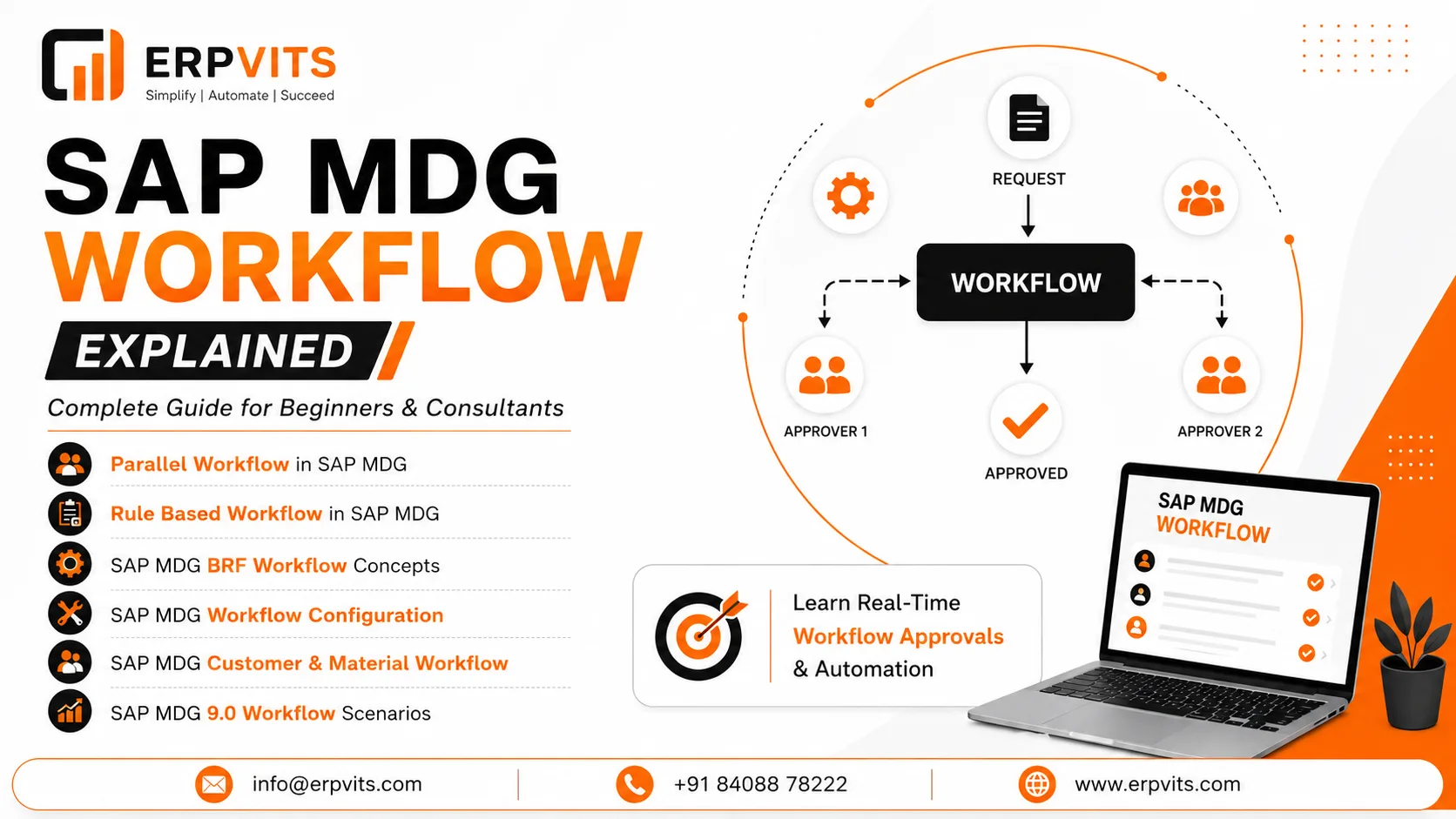
MDG Workflow Explained: Complete Guide for Beginners and Consultants
In today's increasingly data-driven corporate environment, maintaining clear, consistent, and controlled master data isn't an option but an absolute requirement. The SAP MDG workflow (Master Data Governance workflow) is the core engine for the approval, validation, and changes requests throughout the entire master data life-cycle.
If you're a business analyst entering MDG in the very first instance, or an experienced SAP consultant charged with creating complex approval chains knowing the way SAP MDG workflow functions is crucial to a successful implementation.
This guide will walk you through all you need to know about what SAP MDG workflows are and how it's set up as well as the different types of workflows that are available, and how it can be applied to specific domains such as materials master and customer information.
What Is SAP MDG Workflow?
SAP Master Data Governance (MDG) is a centralized platform to manage master data across various domains like finance suppliers, customers, and material. In the core, what is the SAP MDG workflow is the approval and routing system that determines how changes (CRs) are made and reviewed, approved, and then activated.
Each time a user wishes to add or edit the master data record — such as an additional vendor or change to the description of a material — a change request is created. The workflow decides who will review the request, in what order and at what time, and when it's accepted or denied.
Key Benefits of SAP MDG Workflow
- Data Governance policies are enforced across the entire organization
- Offers a structured approval procedure for master data updates
- Reduces the chance of errors by implementing validation rules prior to activation
- Complete audit trail to ensure compliance and reports
- Supports multi-step, multi-role approval hierarchies
Types of SAP MDG Workflows
SAP MDG supports several workflow types, each of which is suited to specific business processes. The choice of the appropriate type is among the most crucial decisions to make in SAP MDG setting up workflow.
1. Single-Step Workflow
The most straightforward workflow type. A change request is sent to a single person who can approve. After approval the data will be active. It is ideal for master data with low risk changes that require a single responsible owner.
2. Parallel Workflow in SAP MDG
Parallel workflows within SAP MDG allows multiple approvers to look over changes in a timely manner instead of sequentially. This is especially useful when cross-functional sign-off is required — for instance in situations where two departments like Finance and Supply Chain must sign off on a new item before activating it.
How does it work:
- The change requests will be sent out to several agents at the same time.
- Each agent must finish the review (all-approval) or the majority of agents must agree (configurable).
- If the conditions are met the next step in the workflow is initiated.
Example: A new master customer record requires approval in a simultaneous manner from both the Credit Management team and the Regional Sales Manager. With a parallel workflow, both teams receive the task at once, thus reducing the overall processing time.
3. Rule-Based Workflow in SAP MDG
The rule-based workflow of SAP MDG can be described as the most adaptable and smart workflow kind. It utilizes Business Rules Framework plus (BRF+) to determine the workflow route in accordance with the characteristics associated with the modification request.
As opposed to hardcoding which can approve the what and when, workflows based on rules assess the data at time of execution and then route the data accordingly.
Rules examples:
- If the type of change request includes "Create Material" AND the material type is FERT (Finished Goods) then route it through Production Planning team.
- If the credit limit of a customer is greater than EUR500,000, it should be escalated to the Director of Finance.
- When the facility is located in Germany, include the European Data Steward as an approver.
This is what makes SAP MDG BRF workflow the most preferred option for companies with complicated conditions for routing.
SAP MDG BRF Workflow: Deep Dive
SAP MDG BRF workflow refers to the integration of MDG Change Request Processing and SAP BRF+ (Business Rules Framework plus). BRF+ is an engine for rules that lets you to define, control and implement business rules in an organized easily maintained manner without the need for ABAP code changes with each new rule.
How BRF+ Powers MDG Workflow Rules
As part of SAP MDG, BRF+ can be used to:
- Decide on the workflow type — Based on the changes request attributes, BRF+ is able to decide if they want to implement an individual-step, parallel or multi-step workflow.
- Agents/approvers to be identified — BRF+ rules may identify certain roles, users, or units of an organization as approvers.
- Create conditions for the steps — Each step of the workflow could include entry and exit conditions that are controlled in accordance with BRF+ rules.
Configuring SAP MDG BRF Workflow
Configuration occurs in the transaction MDGIMG (MDG Modifying) in the section Workflow. The key steps are:
- Activating the workflow application (e.g., MDG_BS_BP_UI_CUSTOMER_REQ for Customer)
- The creation of BRF+ applications, function sets and rulesets
- Mapping BRF+ functions to MDG coded workflow processes
- Test rule evaluation with BRF+ Workbench (transaction BRF+)
Tip: Make sure to utilize BRF+ with simulation to test your policies prior to transferring your rules into production. This will prevent routing mistakes which can cause delays to change requests.
SAP MDG Workflow Configuration: Step-by-Step Overview
The configuration of workflows in SAP MDG is mostly done through the IMG (Implementation Guide). Here's a streamlined outline for consultants:
Step 1: Activate Business Functions
Make sure that the appropriate MDG functionalities are active in SFW5:
- MDG_FOUNDATION_1 — MDG's core function
- Domain-specific functions (e.g. MDG_CUSTOMER and MDG_MATERIAL)
Step 2: Define Change Request Types
Access: MDGIMG → Process Modeling → Change Request Types
Create a list of the different types of change requests that you want to use for your particular domain (e.g. Create Material, Modify Customer). Assign:
- Business activities
- Type of entity
- Workflow process
Step 3: Configure Workflow Process
In Process Modeling → Process → Define Process, configure:
- Steps (Review, Approval, Final Check, etc.)
- Step types (User Decision, Background Step, etc.)
- Method of determining agents (by rule, by role, or by the organizational unit)
Step 4: Set Up BRF+ Rules (for Rule-Based Workflow)
- Create a BRF+ application linked to your MDG workflow process
- Define decision tables or decision trees for agent determination
- Conduct a thorough test by using BRF+ workbench
Step 5: Activate Workflow and Test
- Use transaction SWI1 for monitoring the workflow of each instance.
- Make use of SWIA for managing workflow inboxes.
- Check the end-to-end test by using a sample request for change within the MDG UI.
Expert Guidance
Learn from industry experts
Trusted & Recognized
Top-rated by learners
Flexible Learning
Online options
Placement Support
Career support & more
SAP MDG 9.0 Workflow: What's New
The SAP MDG 9.0 workflow was enhanced with numerous improvements that enhanced the user experience and capability of workflow engines in terms of technical:
Key Enhancements in SAP MDG 9.0
- Improved Fiori-based Inbox — Workflow and change requests can now be accessed via SAP Fiori apps, which replaces the previous WebDynpro interface for a variety of use instances.
- Improved parallel processing — Improved handling of tasks that require parallel processing with adjustable completion thresholds.
- Modern BRF+ integration — More condition types and enhanced rule tracing capabilities to troubleshoot intricate routing logic.
- Process flexibility — Support for ad-hoc agents and dynamic escalation pathways.
- Improved audit logging — Enhanced logging of workflow-related decisions for reporting compliance.
For SAP S/4HANA users, MDG 9.0 also aligns more closely with the integrated MDG capabilities, which reduces the requirement for separate MDG hubs in certain situations.
SAP MDG Customer Workflow
The SAP MDG customer workflow governs the process by which new customer master records are created and how existing ones are altered. This is among the most commonly utilized workflows within MDG implementations, specifically in large B2B companies.
Typical Customer Workflow Scenario
- The Requestor (e.g. sales representative) initiates an alteration request to create an entirely new customer.
- Data Steward reviews completeness and quality of data.
- Credit Manager reviews and establishes the terms of credit.
- Final Approver (e.g. Sales Director) signs off with the final signature.
- The Customer Master can be activated, and then replicated to downstream systems (e.g. SD, FI).
Customer-Specific Configuration Points
- Change Request Type: Typically Create Business Partner or Change Business Partner
- Entity Type: Business Partner, Customer Role, Address
- BRF+ Rules: Most often determined by classification of the customer either by country, sales organization
- Replication: Configured to push the approved information onto ECC or S/4HANA by using IDocs or ALE
The SAP MDG customer workflow often requires close collaboration between Master Data, Finance, and Sales teams in order to establish the correct approval hierarchy prior to the configuration process begins.
SAP MDG Material Workflow
SAP MDG material workflow manages changes related to master material data — an extremely complicated area of any SAP environment due to the various levels of organization (plant, storage location, as well as sales organizations) as well as views (Basic Data, MRP, Sales, Purchasing, etc.) involved.
Typical Material Workflow Scenario
- The Requestor (e.g. Product Manager) makes an amendment request to introduce a new product.
- Material Data Steward confirms the validity of the basic information and classifies.
- MRP Controller reviews and provides MRP views.
- Quality Manager approves the quality management settings.
- Final Approval triggers activation of the material master across all plants relevant.
Material-Specific Configuration Points
- Multiple views, multiple approvers — Each viewpoint or group of views might be approved by a specific person.
- Mass processing — MDG allows batch change requests for material masters, helpful for price adjustments or unit of measure changes.
- Cross-plant replication — Material masters that have been approved are extended to the relevant plants automatically.
- BRF+ Complexity — Rules frequently check the type of material, industry sector, or the type of procurement to determine the best route to take.
Consultant Tip: When designing a material workflow, you should consider the use of parallel workflow steps for view-level approvals that could occur simultaneously (e.g. MRP and Purchasing views) and sequential steps only if the dependency is present (e.g. Basic Data has to be approved prior to setting up Quality settings).
SAP MDG Workflow Best Practices
When you're implementing rules-based workflows using SAP MDG or setting up an initial approval chain, these best practices will help you avoid significant rework:
- Create a process map before you set up — Document the approval process on paper or in an outline prior to touching MDGIMG. Stakeholders from every department should be involved.
- Make use of BRF+ to make all determinations of agents — Even if your routing may seem simple at present, using BRF+ right from the beginning will make future changes much easier without ABAP development.
- Plan for exceptions — Create escalation routes for timed-out, rejected, or unresolved workflow issues. Install deadline monitoring within your workflow engine.
- Reduce the number of steps in workflows — Each additional step adds processing time. Consolidate approvals where possible without risking governance.
- Test using real data scenarios — Utilize test data that includes edge cases (e.g. cross-plant materials, international customers) to stress-test your routing process.
- Monitor your workflow continuously after go-live — Utilize SWI5 as well as SWIA to track the workflow backlog and find bottlenecks during the first few weeks after go-live.
- Write down your BRF+ rules — BRF+ applications can become complicated quickly. Keep a living document that explains every rule, who is the owner, and the date it was last revised.
Common Challenges and How to Solve Them
| Challenge | Solution |
|---|---|
| Workflow tasks not appearing in inbox | Check agent determination and role assignments in BRF+ |
| Change requests stuck in processing | Review SWI1 for error logs; check background job scheduling |
| BRF+ rules returning no agents | Validate rule conditions using BRF+ trace; check org data |
| Parallel workflow not completing | Verify completion threshold configuration (all vs. any) |
| Slow workflow performance | Optimize BRF+ rule complexity; check work item indexing |
Conclusion
SAP MDG workflow is the basis of any successful master data governance system. From the ease of a rules-based workflow available in SAP MDG powered by BRF+ to the efficiency benefits of parallel workflows using SAP MDG, each workflow kind has a specific goal of making sure that master data changes are reviewed by the appropriate individuals, at the appropriate moment, and under the appropriate circumstances.
When you're setting up the SAP MDG customer workflow to support a global B2B rollout or establishing a complex multi-view SAP MDG material workflow, the most important thing is to begin with a clearly documented process plan and harness the potential of BRF+ to create efficient, reliable routing logic.
With the new features made in SAP MDG 9.0, organisations are now able to design smooth, Fiori-friendly approval processes which are compatible with the latest UX expectations, without compromising quality of governance.
Frequently Asked Questions (FAQ)
Q: What is the distinction between rule-based workflow and parallel workflows within SAP MDG?
A: The rule-based workflow utilizes BRF+ to determine dynamically the route based on attributes of data. Parallel workflows assign the same job to several approvers simultaneously. Both are able to be combined into one workflow process.
Q: Can SAP MDG workflow be used without BRF+?
A: Yes, simple workflows can utilize role-based or user-based agent selection without BRF+. However, BRF+ is strongly suggested for any need for conditional routing.
Q: Is SAP MDG workflow compatible with the S/4HANA system?
A: Yes. MDG can be used as a standalone hub, and as an embedded MDG in S/4HANA. Workflow capabilities are available with both the deployment model.
Q: How long will SAP MDG workflow configuration generally take?
A: For a single domain of moderate complexity (e.g. 3 to 5 steps of workflow), expect 4–8 weeks for testing, configuration and UAT. Complex multi-domain applications can be significantly more time-consuming.