
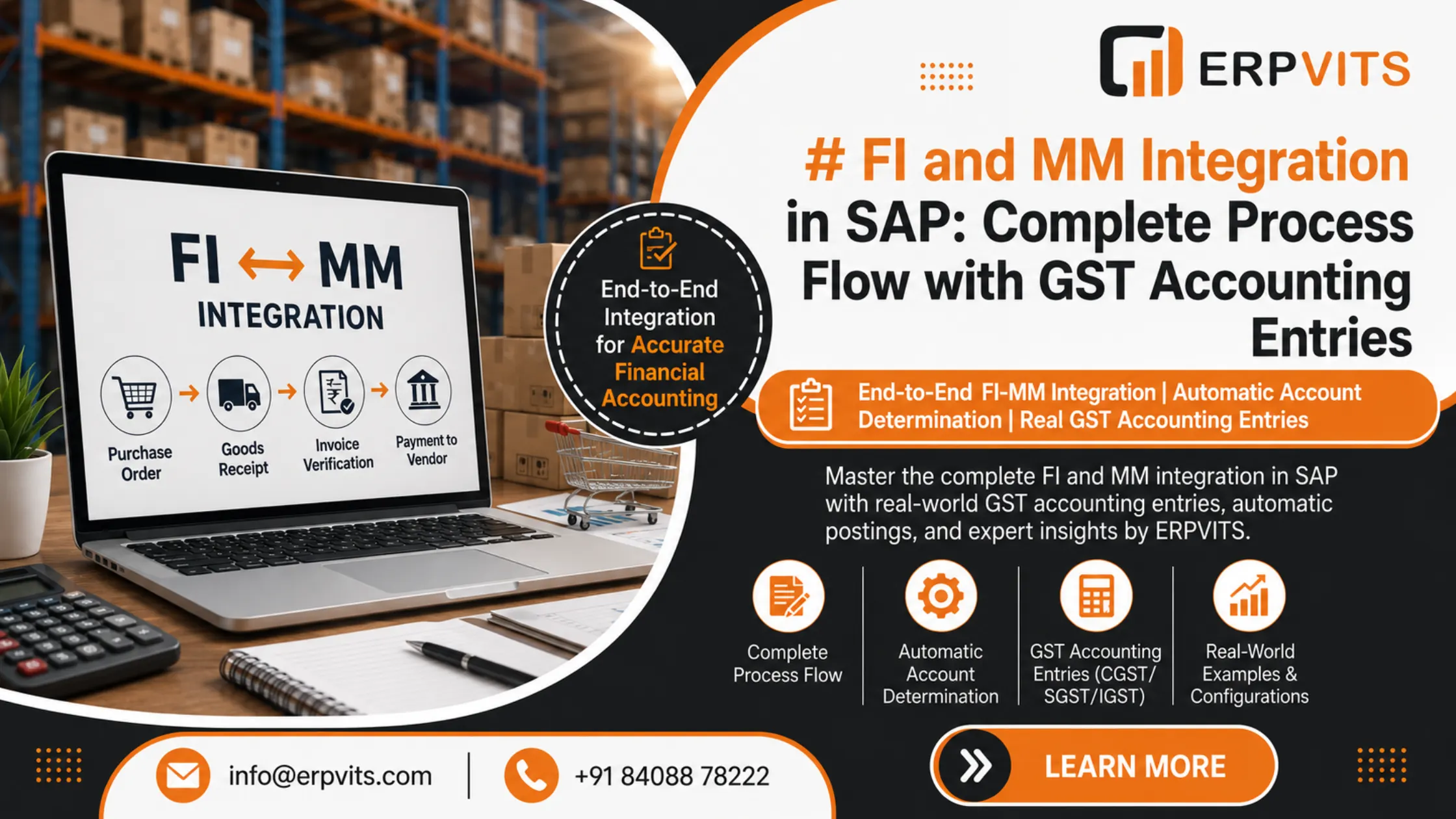
FI and MM Integration in SAP: Full Process Flow & GST Accounting Entry
For every SAP ERP implementation, no module functions independently. The connection between the FI as well as MM of SAP is among the most crucial and tightly linked linkages within the whole system. Every single procurement transaction — from a Purchase Order up to the Goods Receipt and an invoice — produces immediate financial postings within SAP FI (Financial Accounting) without any manual intervention.
This seamless, automated integration is the reason that makes SAP the most popular choice in enterprise resource management. For SAP consultants, team members, finance departments, and supply chain experts in India, understanding the importance of this integration has grown more crucial following the implementation of GST (Goods and Services Tax), which introduced a new level of tax-related accounting records to each purchase transaction.
In this article, ERPVITS walks you through:
- The complete integration of MM and FI within the SAP process flow
- How automatic account determination works
- Real-world GST accounting entries in SAP FI and MM integration
- The most important configuration points that every consultant should know
Whether you're preparing for a project, getting ready for an interview, or setting up a live system, this post will be your primary reference.
What is FI-MM Integration in SAP?
FI and MM integration in SAP is the automated production of financial accounting records (FI documents) when a material movement or logistics transaction is reported within the MM module.
The integration is managed through Automatic Account Determination — a configuration framework in SAP that ties every kind of inventory movement into specific G/L accounts within FI. The primary transaction for this configuration is OBYC (Configure Automatic Postings).
Core Principle:
Every time a product is moved within SAP MM, it triggers a related accounting document in SAP FI — instantly, in real time, and with no manually entered journal entries needed.
This helps eliminate gaps in reconciliation between procurement operations and financial books, providing the same source of truth for the entire company.
Key Documents in FI-MM Integration
Understanding the connection between FI and MM in SAP requires a thorough understanding of the three main documents that are generated during the typical procurement cycle:
| Step | SAP Transaction | Document Generated |
|---|---|---|
| Purchase Order Creation | ME21N | Purchase Order (No FI impact) |
| Goods Receipt | MIGO | Material Document + Accounting Document |
| Invoice Verification | MIRO | Accounting Document (Vendor Invoice) |
The Purchase Order (PO) itself doesn't generate accounting entries — it is simply a commitment document. The FI impact starts at the Goods Receipt (GR) stage.
Complete FI-MM Integration Process Flow in SAP
Let's go through the complete end-to-end process and find out precisely where and how FI entries are generated.
Step 1: Purchase Requisition (ME51N)
- Raised internally by a department or automatically generated by MRP.
- No FI impact — it is purely an internal MM document.
Step 2: Purchase Order (ME21N)
- Approved PO is sent to the vendor.
- No significant FI impact — generates a commitment entry that can be seen in CO (Controlling) if commitments are enabled.
- A PO commitment is recorded but is not shown on the balance sheet.
Step 3: Goods Receipt — MIGO (The First FI Entry Point)
This is when FI and MM integration within SAP becomes active. When goods are received in response to the PO, SAP simultaneously creates:
- A Material Document — records the movement of stock in MM (quantity and storage location).
- An Accounting Document — tracks the financial impact in FI (values transferred to G/L accounts).
Standard Accounting Entry at Goods Receipt (Non-GST):
Dr. Inventory / Stock Account          — BSX (Transaction Key in OBYC)
    Cr. GR/IR Clearing Account         — WRX (Transaction Key in OBYC)
The GR/IR (Goods Receipt / Invoice Receipt) Clearing Account is a temporary liability account that helps bridge the timing gap between receiving the goods and receiving the invoice from the vendor.
Step 4: Invoice Verification — MIRO (The Second FI Entry Point)
When the vendor's invoice is received and processed in SAP via MIRO, the system creates another FI document:
Standard Accounting Entry at Invoice Verification (Non-GST):
Dr. GR/IR Clearing Account             — Clears the GR/IR entry
    Cr. Vendor Account (Sundry Creditor)
At this point, the GR/IR clearing account is squared off and the liability is now correctly sitting in the Vendor's Account in FI.
Step 5: Payment to Vendor (F-53 / F110)
Dr. Vendor Account
    Cr. Bank Account
This final step removes the vendor's liability and concludes the Procure-to-Pay (P2P) cycle from both MM and FI perspectives.
Automatic Account Determination: The Engine Behind FI-MM Integration
This seamless integration of FI and MM within SAP is enabled by Automatic Account Determination, which is configured through the transaction OBYC in the SAP system.
Key Configuration Elements:
1. Chart of Accounts
All G/L accounts are defined within a Chart of Accounts. The automatic account determination is chart-of-accounts dependent.
2. Valuation Class
Every material master is assigned a valuation class (e.g., 3000 for Raw Materials, 7920 for Finished Goods). The valuation class determines which G/L account receives the posting.
3. Transaction Keys (in OBYC)
SAP utilizes transaction keys to identify the type of accounting event:
| Transaction Key | Description |
|---|---|
| BSX | Inventory Posting (Stock Account) |
| WRX | GR/IR Clearing Account |
| PRD | Price Difference Account |
| AUM | Expense / Revenue from Stock Transfer |
| GBB | Offsetting Entry for Inventory Posting (Consumption, Scrapping) |
| KBS | Account-assigned PO (Cost Centre / Project) |
| FR1 / FR3 | Freight Clearing Accounts |
4. Account Category Reference & Valuation Grouping Code
These act as grouping layers that connect material types and plant-level settings to particular G/L accounts, giving companies the flexibility to map postings across different business divisions.
Expert Guidance
Learn from industry experts
Trusted & Recognized
Top-rated by learners
Flexible Learning
Online options
Placement Support
Career support & more
Account Entries in SAP FI and MM Integration with GST
Since GST was introduced in India on July 1, 2017, SAP FI-MM integration now incorporates GST tax postings as part of every procurement transaction. Understanding account entries in SAP FI and MM integration with GST is crucial for every Indian SAP installation.
GST Overview in SAP MM Context:
In India, procurement transactions attract:
- CGST (Central GST) — used for purchases within state borders
- SGST (State GST) — for purchases made within the same state
- IGST (Integrated GST) — for interstate purchases
SAP handles GST through the Tax Procedure (TAXINN) and Condition Types configured within MM Pricing.
Scenario 1: Intra-State Purchase (CGST + SGST)
Assumptions:
- Material Value: ₹1,00,000
- CGST: 9% = ₹9,000
- SGST: 9% = ₹9,000
- Total Invoice Value: ₹1,18,000
Accounting Entry at Goods Receipt (MIGO) — Intra-State:
Dr. Inventory / Raw Material Stock A/c      ₹1,00,000   (BSX)
Dr. CGST Input Tax Account                    ₹9,000    (Tax Account)
Dr. SGST Input Tax Account                    ₹9,000    (Tax Account)
    Cr. GR/IR Clearing Account               ₹1,18,000  (WRX)
Note: In SAP, GST input tax accounts are posted at GR only when the tax indicator is set to "deductible" and the material is not going to a tax-exempt use. The exact behaviour depends on the tax code configuration.
Accounting Entry at Invoice Verification (MIRO) — Intra-State:
Dr. GR/IR Clearing Account                  ₹1,18,000
    Cr. Vendor Account                       ₹1,18,000
The GR/IR clearing account has now completely cleared. The CGST and SGST input tax credits are positioned in their respective balance sheet accounts, waiting to be offset against output tax obligations.
Scenario 2: Inter-State Purchase (IGST)
Assumptions:
- Material Value: ₹1,00,000
- IGST: 18% = ₹18,000
- Total Invoice Value: ₹1,18,000
Accounting Entry at Goods Receipt (MIGO) — Inter-State:
Dr. Inventory / Raw Material Stock A/c      ₹1,00,000   (BSX)
Dr. IGST Input Tax Account                   ₹18,000    (Tax Account)
    Cr. GR/IR Clearing Account               ₹1,18,000  (WRX)
Accounting Entry at Invoice Verification (MIRO) — Inter-State:
Dr. GR/IR Clearing Account                  ₹1,18,000
    Cr. Vendor Account                       ₹1,18,000
Scenario 3: Purchase with Price Difference (Moving Average Price Material)
If an invoice price differs from the PO price, SAP generates an additional price difference posting.
Assumptions:
- PO Price: ₹1,00,000 | Invoice Price: ₹1,05,000 | IGST: 18%
Entry at GR (MIGO):
Dr. Inventory Account                       ₹1,00,000   (BSX)
Dr. IGST Input Tax Account                   ₹18,000
    Cr. GR/IR Clearing Account               ₹1,18,000  (WRX)
Entry at IR (MIRO):
Dr. GR/IR Clearing Account                  ₹1,18,000
Dr. Price Difference Account                  ₹5,000    (PRD)
    Cr. Vendor Account                       ₹1,23,900
    (₹1,05,000 + 18% IGST on ₹1,05,000 = ₹18,900)
Scenario 4: Non-Valuated Goods Receipt (Account-Assigned PO)
In account-assigned POs (e.g., Cost Centre, Asset, Project), the goods receipt does not hit the inventory account. Instead, the expense is booked directly at GR.
Entry at GR (MIGO) — Cost Centre PO:
Dr. Consumption / Expense Account           ₹1,00,000   (GBB/VBR)
Dr. IGST Input Tax Account                   ₹18,000
    Cr. GR/IR Clearing Account               ₹1,18,000
Entry at IR (MIRO):
Dr. GR/IR Clearing Account                  ₹1,18,000
    Cr. Vendor Account                       ₹1,18,000
GST Input Tax Credit (ITC) in SAP FI-MM Integration
A crucial aspect of account entries in SAP FI and MM integration with GST involves the handling of Input Tax Credit (ITC).
How ITC Flows in SAP:
- At GR, CGST/SGST/IGST input accounts are debited (creating a receivable from the government).
- At the time of filing GST returns (via SAP GST Cockpit or S/4HANA GST solution), the input tax is set off against the output tax liability.
- If input exceeds output in a period, the excess becomes a GST credit carryforward.
Key G/L Accounts Involved:
| Account | Type | Transaction |
|---|---|---|
| CGST Input Tax A/c | Asset (Current) | Debit at GR/MIRO |
| SGST Input Tax A/c | Asset (Current) | Debit at GR/MIRO |
| IGST Input Tax A/c | Asset (Current) | Debit at GR/MIRO |
| GR/IR Clearing A/c | Liability (Current) | Credit at GR, Debit at IR |
| Vendor Account | Liability | Credit at IR |
| Inventory / Stock A/c | Asset | Debit at GR |
Common Issues in FI-MM Integration and How to Resolve Them
1. GR/IR Clearing Account Not Balancing
Cause: Invoice quantity differs from GR quantity, or invoices are posted without any reference to a GR.
Solution: Use MR11 (Maintain GR/IR Clearing Account) to examine and clear open items.
2. Price Differences Posted Unexpectedly
Cause: Material uses Standard Price (S) valuation — any difference between the PO price and the standard price goes to a price difference account.
Solution: Review the valuation approach. For materials with fluctuating prices, use Moving Average Price (V).
3. GST Account Not Posted at GR
Cause: Tax code not maintained in the PO, or the condition type has been set to "non-deductible."
Solution: Check the tax code in the PO item (ME23N), verify the TAXINN procedure configuration, and ensure that the condition type is marked as deductible in the tax procedure.
4. Wrong G/L Account Determined at GR
Cause: Incorrect Valuation Class on the material master, or OBYC transaction key is not correctly configured.
Solution: Check material master MM03 → Accounting view (Valuation Class), and verify the OBYC → BSX account assignment for the relevant chart of accounts and valuation class combination.
Key SAP Transactions for FI-MM Integration
| Transaction Codes | Purpose |
|---|---|
| MIGO | Post Goods Receipt / Goods Issue |
| MIRO | Post Vendor Invoice |
| ME21N / ME23N | Create / Display Purchase Order |
| OBYC | Configure Automatic Account Determination |
| OMW0 | Define Price Control for Material Types |
| MR11 | Maintain GR/IR Clearing Account |
| MB5S | GR/IR Balance Report |
| FBL1N | Vendor Line Item Report |
| F.13 | Automatic Clearing of GR/IR Items |
| J1I7 / J2IUN | GST Input Credit Utilisation (India) |
Summary: FI-MM Integration Flow at a Glance
Purchase Order (ME21N)
        |
        |  ← No FI Entry (Commitment Only)
        ↓
Goods Receipt (MIGO)
        |
        |  Dr. Stock Account / Expense A/c
        |  Dr. Input GST (CGST/SGST/IGST)
        |     Cr. GR/IR Clearing Account
        ↓
Invoice Verification (MIRO)
        |
        |  Dr. GR/IR Clearing Account
        |     Cr. Vendor Account
        ↓
Payment (F-53 / F110)
        |
        |  Dr. Vendor Account
        |     Cr. Bank Account
        ↓
     Cycle Complete
Conclusion: Mastering FI-MM Integration for SAP Success
The integration of MM and FI in SAP isn't only a configuration issue — it's a crucial business procedure that directly affects the accuracy of financial reporting, GST compliance, and audit readiness. Each procurement transaction from GR through payment needs to produce the right accounting entries automatically.
With GST now firmly embedded in India's SAP landscape, finance professionals and consultants need to be fully aware of the MM process flow and the corresponding GST accounting entries in SAP FI and MM integration for a smooth and error-free implementation.
At ERPVITS, we specialize in SAP FI-MM integration consulting, implementation, and SAP S/4HANA MM Training & SAP FICO Training. Whether you're implementing a greenfield S/4HANA system or resolving GR/IR imbalances within an existing landscape, our experts are available to guide you through each step of the way.
Explore More from ERPVITS:
- SAP MM Account Determination Configuration Guide (OBYC)
- SAP TAXINN Configuration for GST in India
- SAP S/4HANA Universal Journal and Its Impact on FI-MM Integration
- SAP GR/IR Clearing: Best Practices and Reconciliation Tips